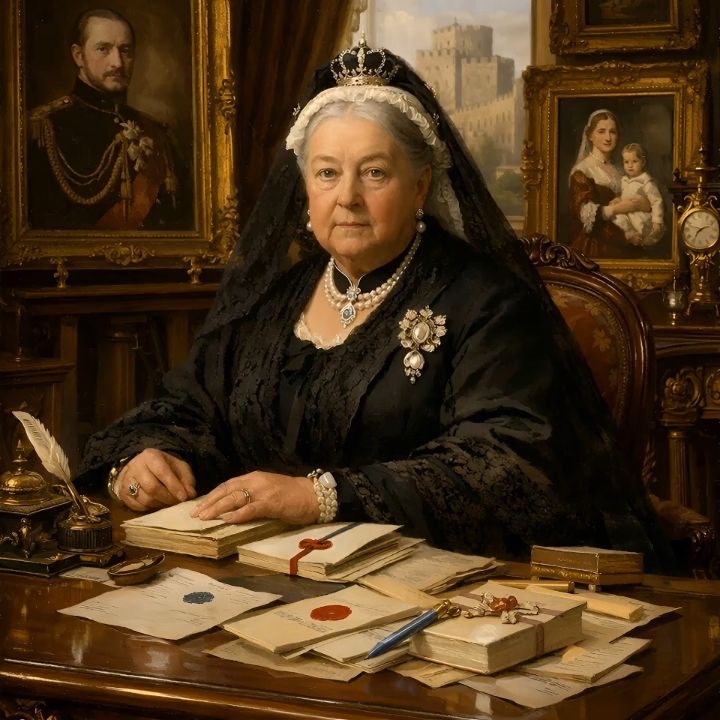
Images. Any scene, any style.
Quality. Standard or HD.
Standard
Fast and inexpensive. Great for ideas, drafts, social posts and most avatars, and the best choice when you are trying lots of prompts.
HD
More detail, sharper faces, cleaner text and finer textures. Use it for the final version: posters, ads, printed pieces, and close-ups that will be animated. HD costs more tokens, and wide shapes cost a little more than square.
Pick a shape for where it will be seen.
 ✦
From prompt
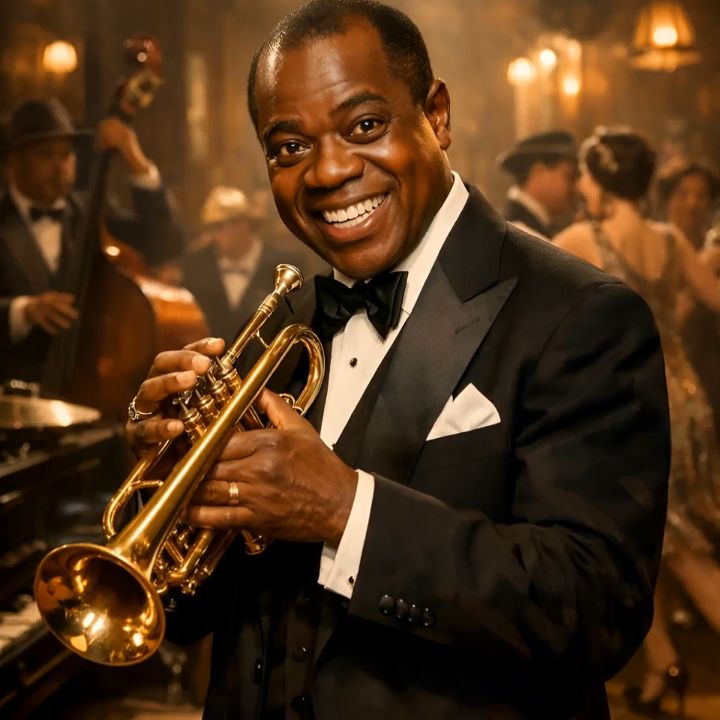
Say the shape in your prompt (“vertical”, “9:16”, “widescreen”, “square”) and you get it. Say nothing and the AI picks what suits the scene.
Square
Profile pictures, Instagram posts, thumbnails, and the best start for a talking avatar.
Landscape
Wide scenes, YouTube and slides, websites, anything that plays on a TV or laptop.
Portrait
Phone screens: TikTok, Reels and Stories, posters, and full-body characters.
Banner
A long 3:1 strip for website headers, Facebook covers, YouTube channel art and email banners.
The frames above show how each shape crops the same scene.
Style, batches and spreadsheets.
Style reference
Upload a picture whose look you love (a painting, a brand photo, a cartoon). Analyze Style with AI describes that style in words and adds it to your prompts, so a whole set of images matches.
Your prompts
Each box is one image (up to 120 words). Add up to 40 and press generate. The queue runs them for you, pacing them to the AI provider’s limits, so you can walk away and come back to a finished set.
Upload CSV
Have a list? Bring a spreadsheet with two columns: File Name and AI Image Prompt. We make the first image for you to check, then run the rest, and each file is named the way you asked.
Image Gallery
Every image is saved here. Download it, edit the prompt and try again, or send it straight to Animate, Avatar or the ad tools.
Three things every good prompt says.
Who or what
Where and when
The look
Planning to animate it? Use a clear, front-facing portrait with the face well lit. Talking avatars come out best that way.
Made in Xogos AI.
Paint your first scene.
One sentence is all it takes.
Open Image Studio